









A*****h
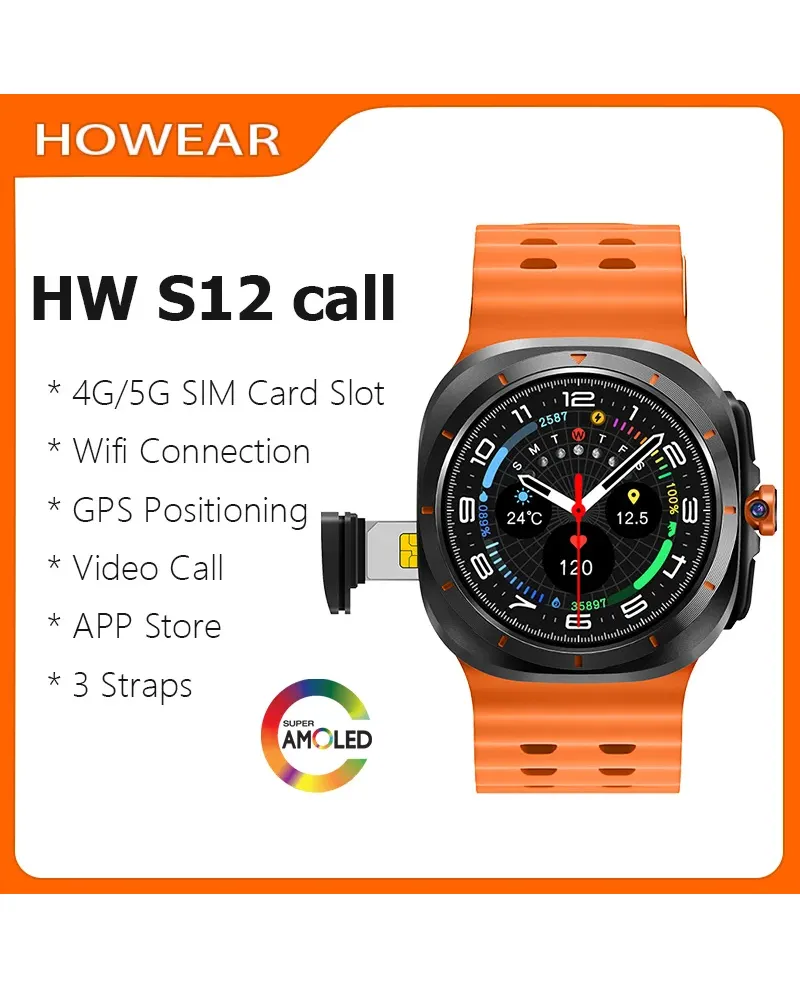
Smartwatch 2025 Men's Connected SIM Card 4G 5G Smart Watch Clock Howear HW S12 Call Video APP Store AMOLED Bluetooth GPS Google
Save 33%
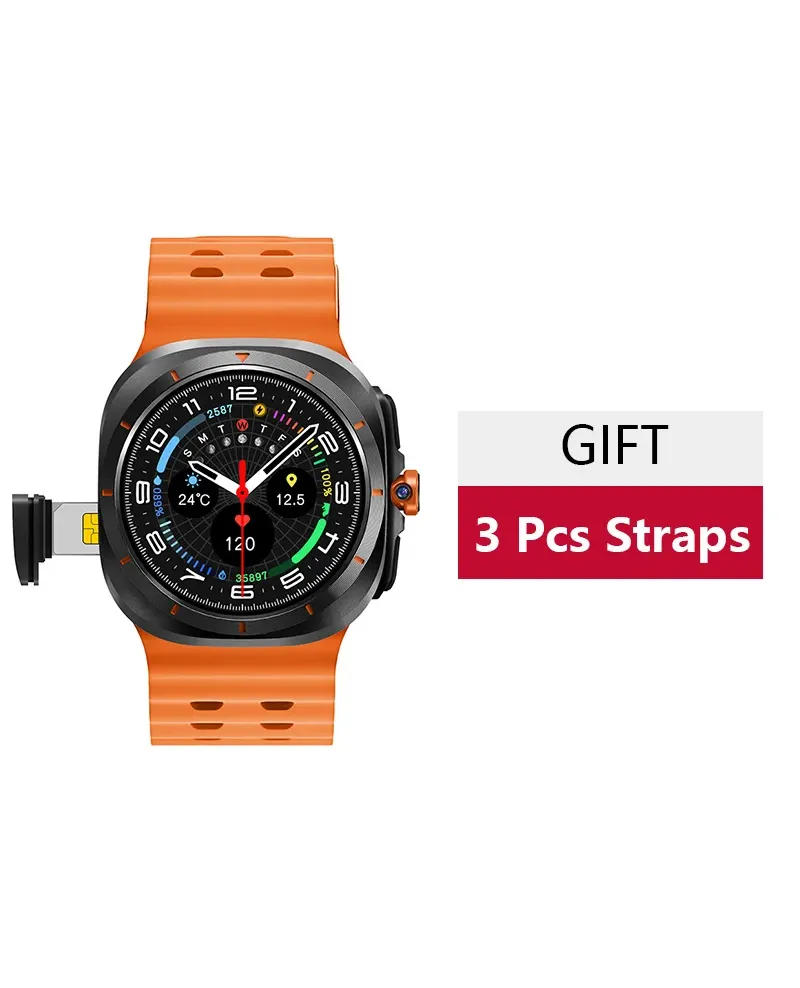


- View all variations as list
| CODE GTIN | Color | Availability | Price | ||
|---|---|---|---|---|---|

|
QUES495031708LPT
|
|
€6430 | ||

|
QUES9770984LPT
|
|
€6430 |
Please sign in so that we can notify you about a reply
operating system: Android 8.1
Bracelet memory 4+64GB
Architecture: Quad-Core ARM A55 processor
The telecommunications frequency bands supported by this product
FDD:B1 B2 B3 B5 B7 B8 B20
WCDMA:B1 B2 B5 B8
GSM: Band B2 B3 B5 B8"
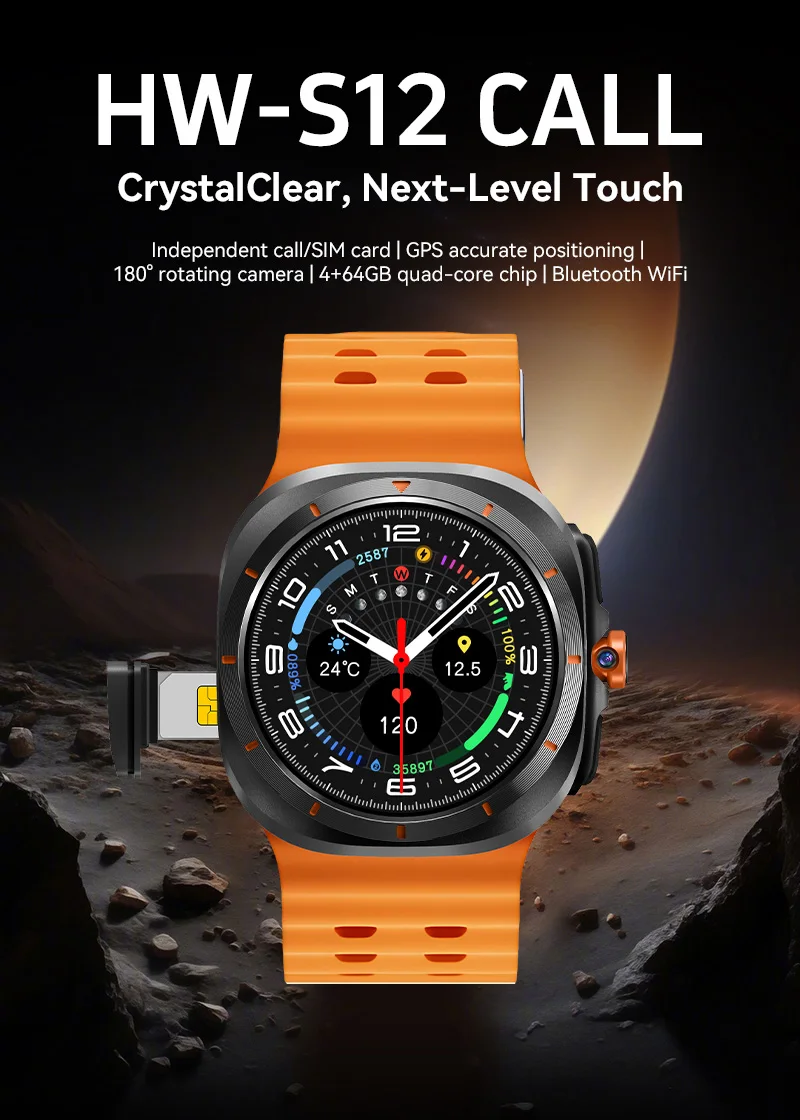
HW-S12 CALL Crystal Clear, Next-Level Touch
lndependent call/SIM card , GPS accurate positioning ,180° rotating camera , 4+64GB quad-core chip, Bluetooth WiFi
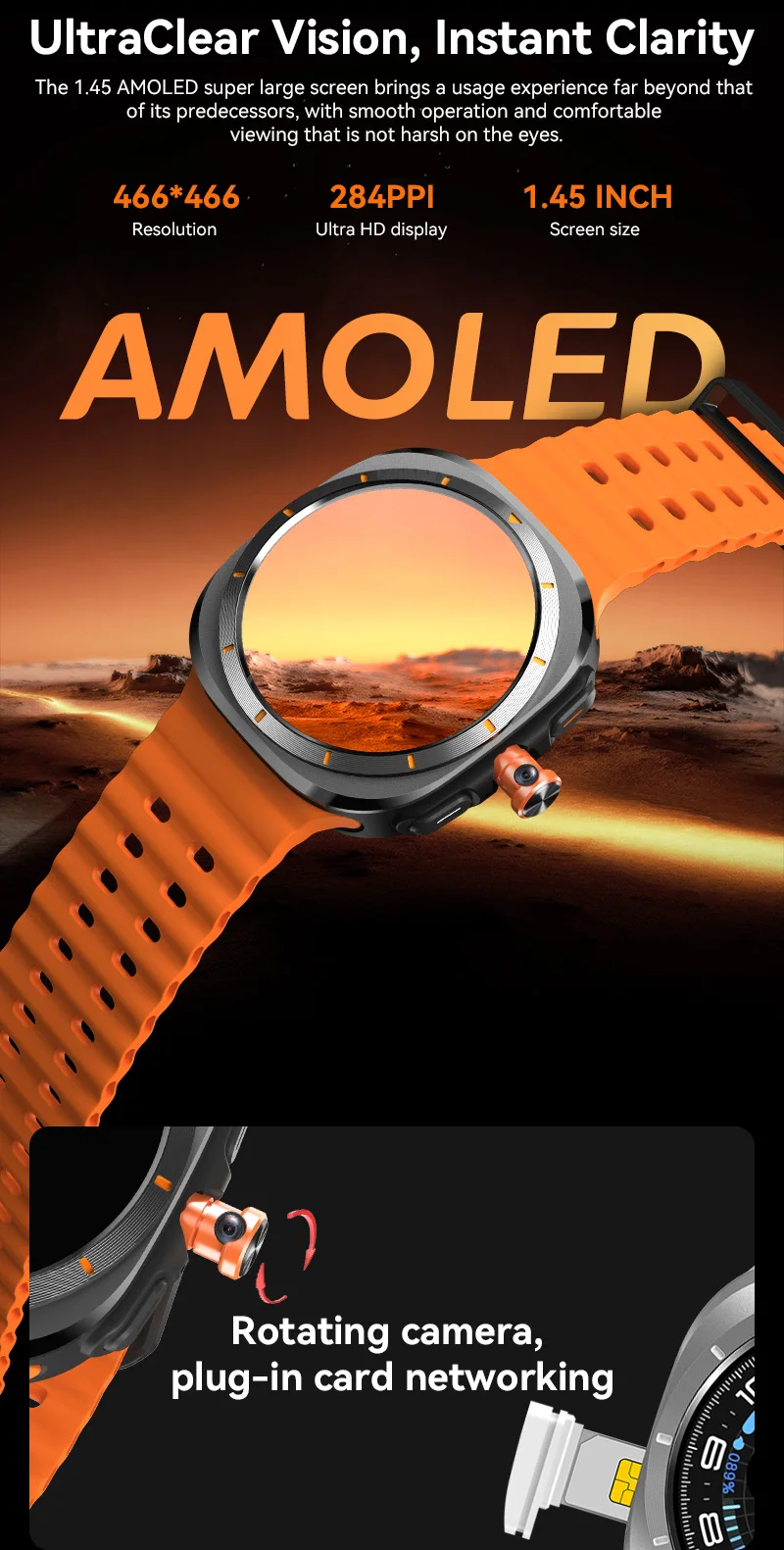
Ultra Clear Vision, Instant Clarity
The 1.45 AMOLED super large screen brings a usage experience far beyond that of its predecessors, with smooth operation and comfortable viewing that is not harsh on the eyes. 466*466 Resolution, 284PPI Ultra HD display, 284PPI Ultra HD display
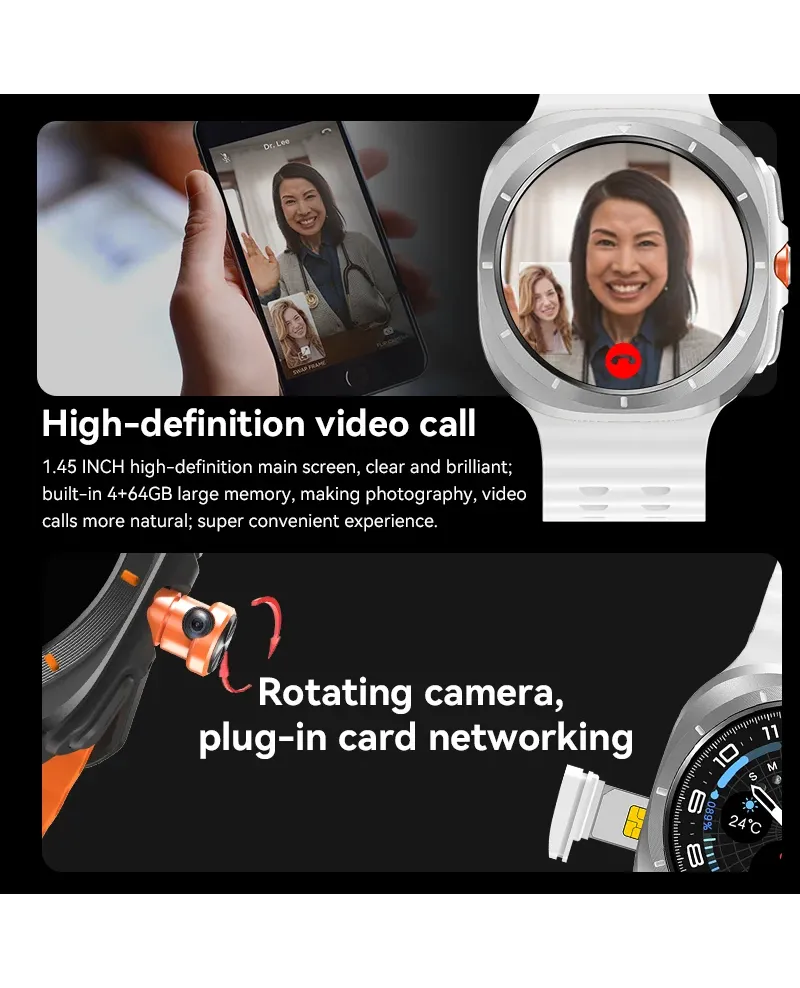
Rotating camera,plug-in card networking
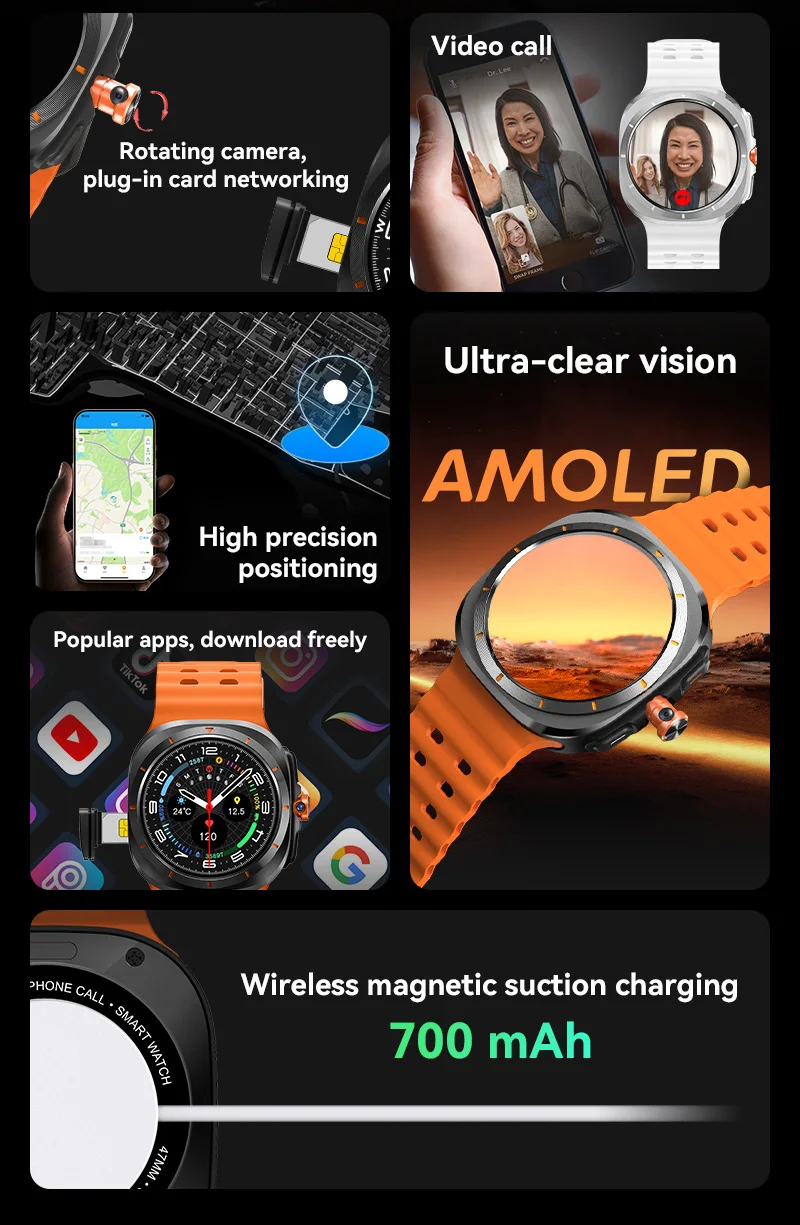
Rotating camera, plug-in card networking, Video call, High precision positioning, Ultra-clear vision, Popular apps, download freely, Wireless magnetic suction charging 700 mAh
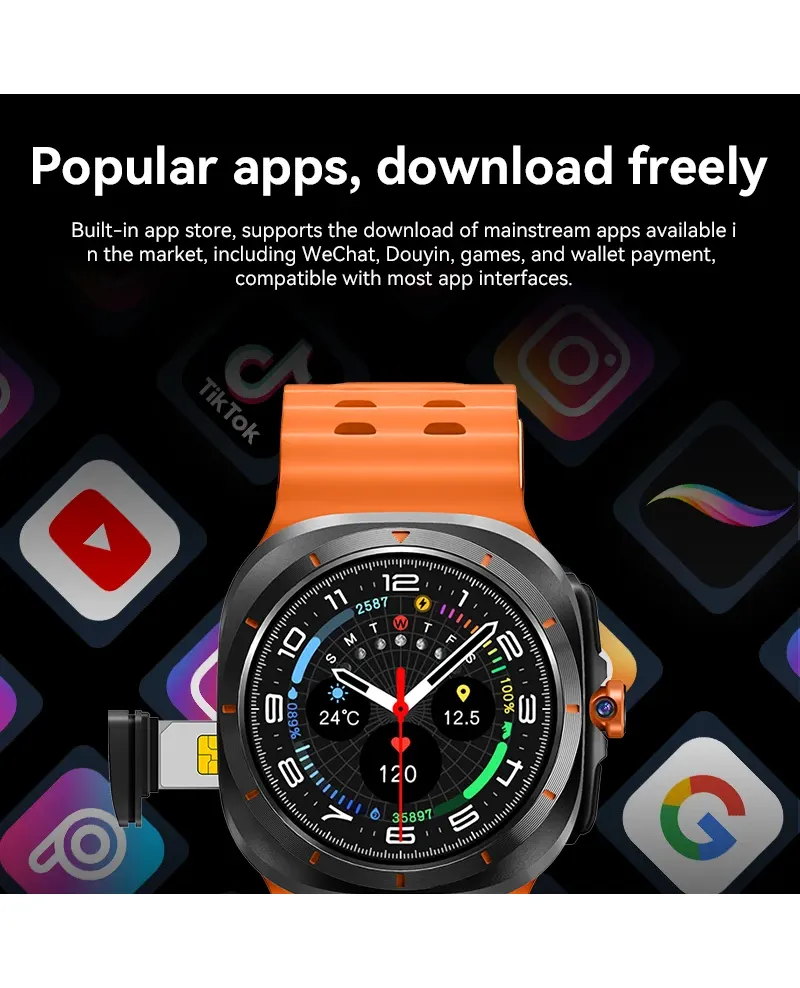
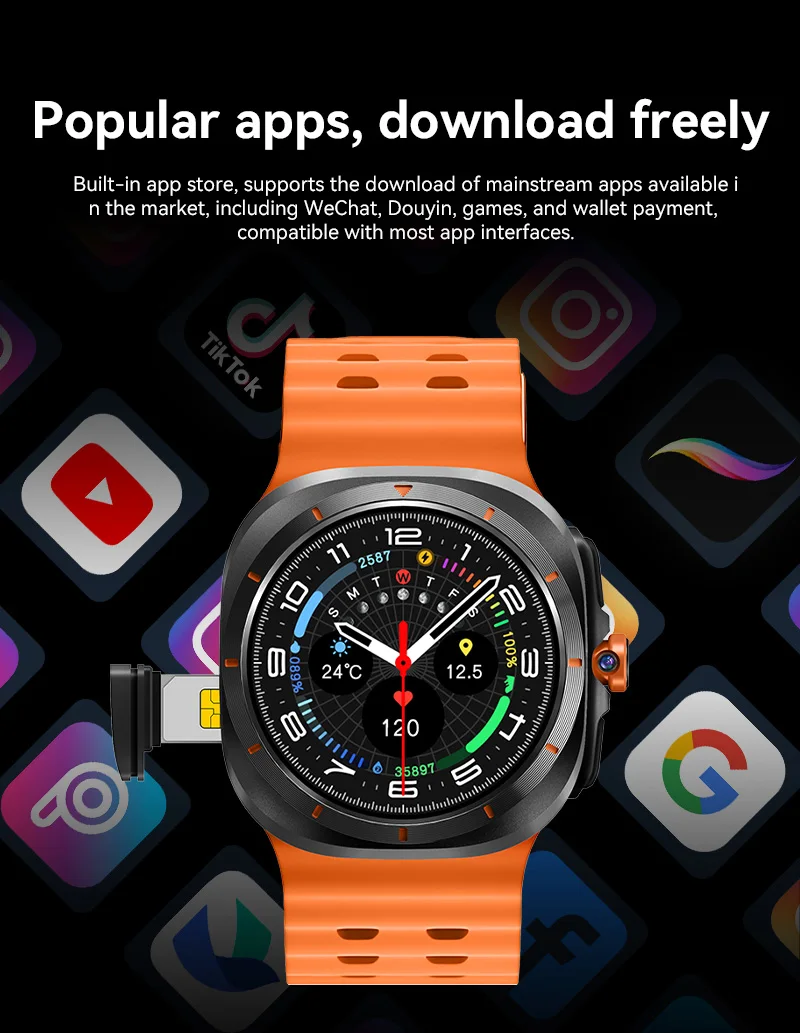
Popular apps, download freely
Built-in app store, supports the download of mainstream apps available in the market, including WeChat, Douyin, games, and wallet payment,compatible with most app interfaces.
4G call supported frequency bands: Our product supports 4G functions in these frequency bands. Please carefully check the frequency band information of the local operator before purchasing.
FDD:B1 B2 B3 B5 B7 B8 B20, WCDMA:B1 B2 B5 B8, GSM: Band B2 B3 B5 B8
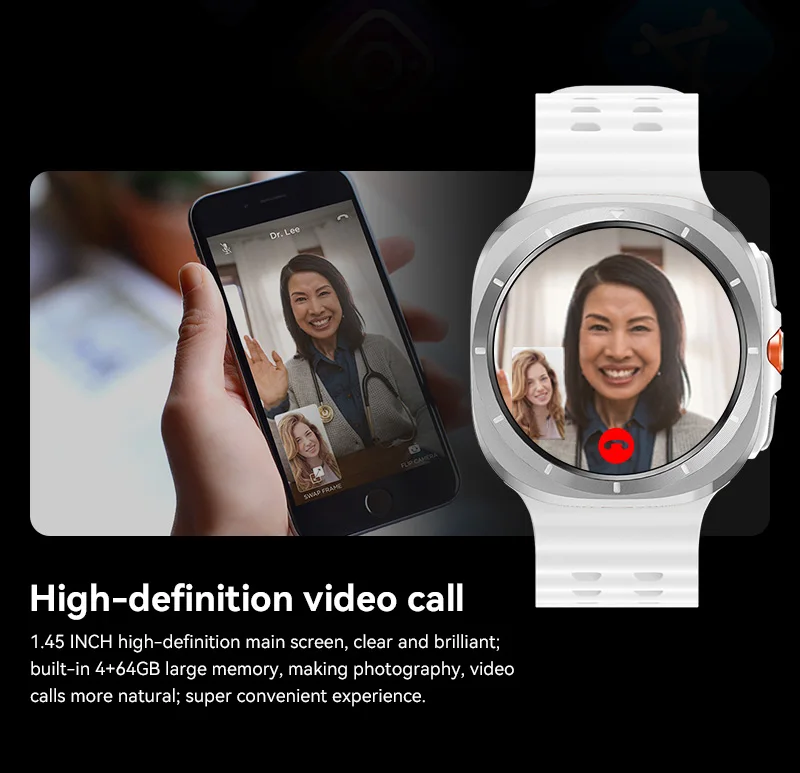
High-definition video call
1.45 lNCH high-definition main screen, clear and brilliant; built-in 4+64GB large memory, making photography, video
calls more natural; super convenient experience.
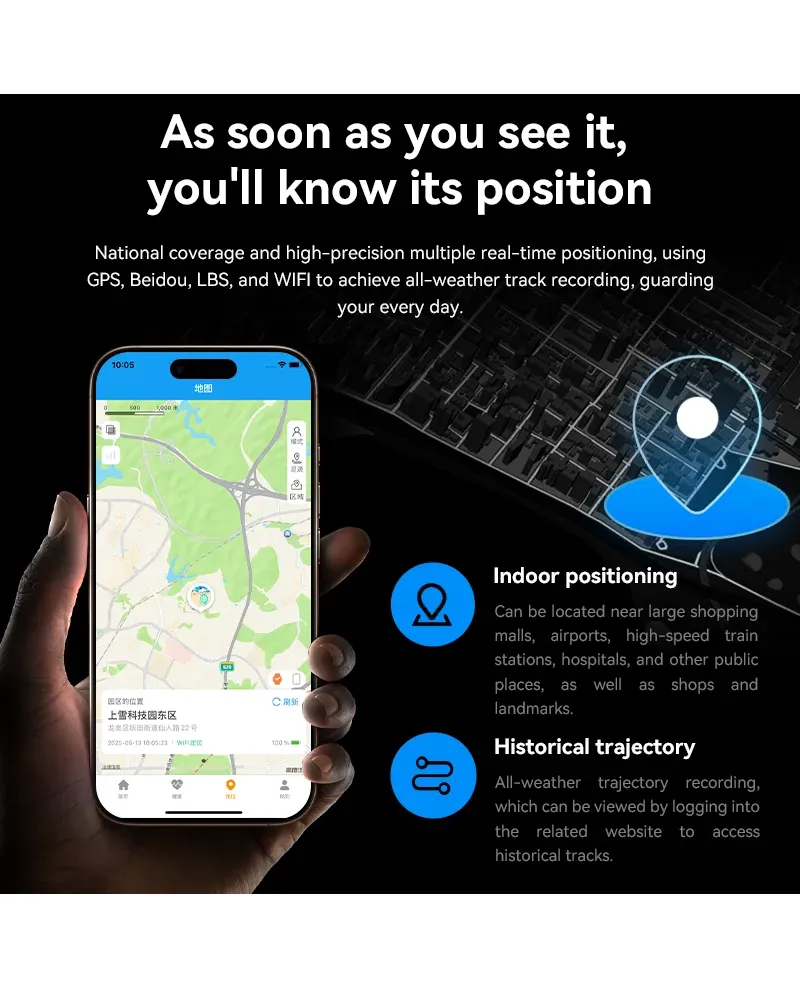
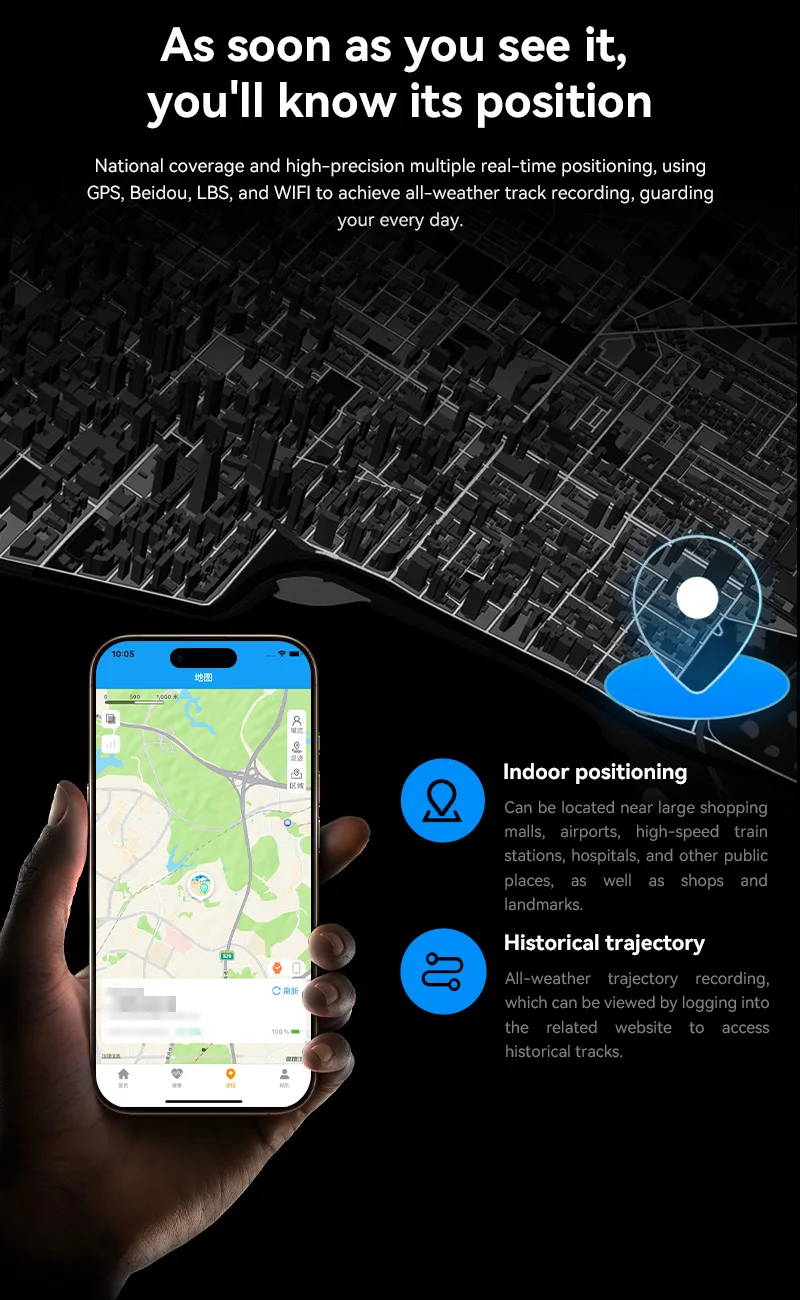
As soon as you see it,you'll know its position
National coverage and high-precision multiple real-time positioning, using GPS, Beidou, LBS, and WlFl to achieve all-weather track recording, guarding your every day.
Indoor positioning
Can be located near large shopping malls, airports, high-speed train stations, hospitals, and other public places, as well as shops and landmarks
Historical trajectoryAll-weather trajectory recording,which can be viewed by logging into the related website to access historical tracks
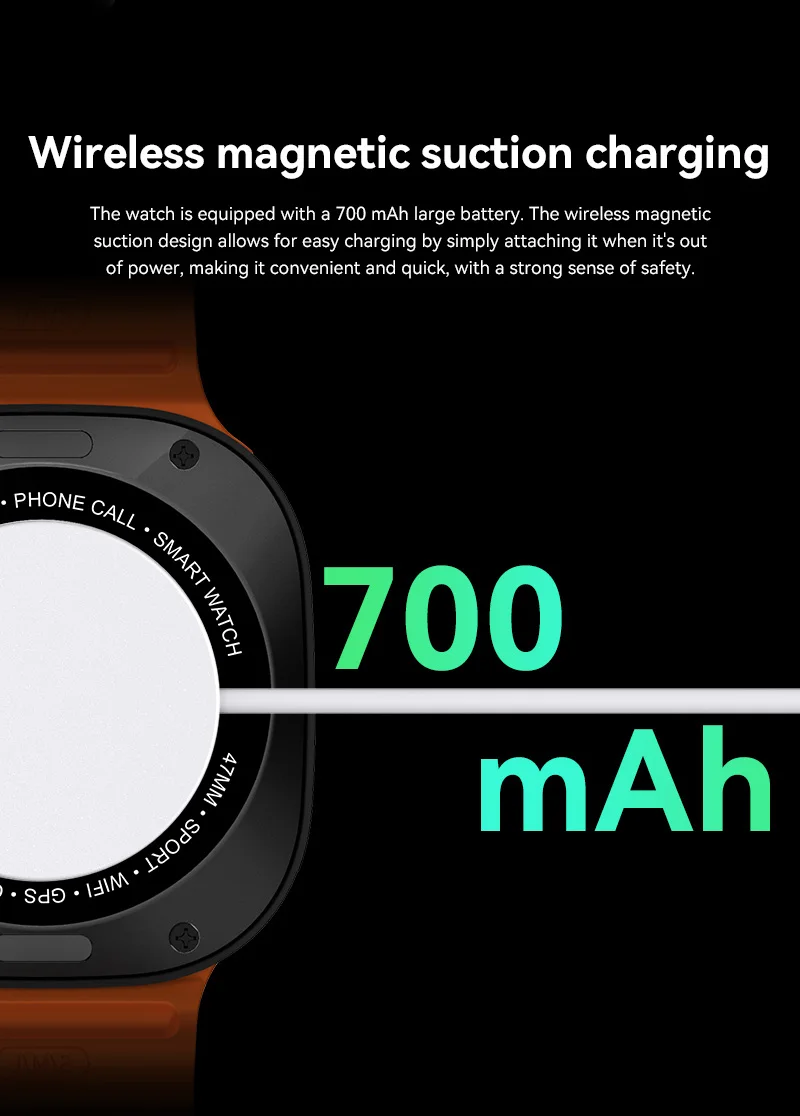
Wireless magnetic suction charging
The watch is equipped with a 700 mAh large battery. The wireless magnetic suction design allows for easy charging by simply attaching it when it's out of power, making it convenient and quick, with a strong sense of safety
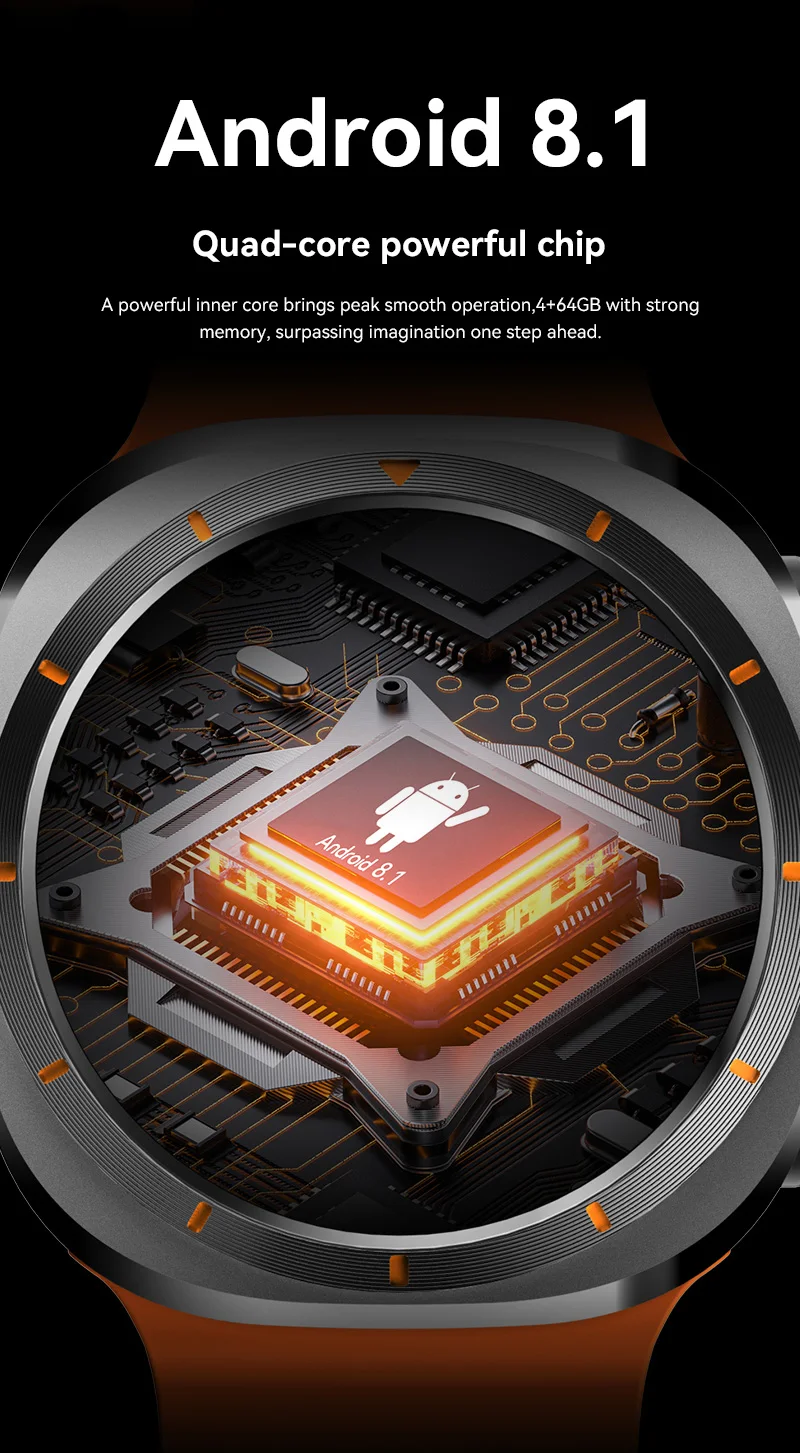
Android 8.1 Quad-core powerful chip
A powerful inner core brings peak smooth operation, 4+64GB with strong memory, surpassing imagination one step ahead,
1. Preparation before use:
1)Test whether the device model is correct and whether the accessories are complete.
2)Prepare a Nano SIM card, refer to the dealer's advice. (Please turn off the phone before installing the card)
3)Device SIM card need to open GPRS function and caller ID function.Nano SIM card need to open volte function.
4)Install the APP client on your cell phone, ask your dealer for client details.
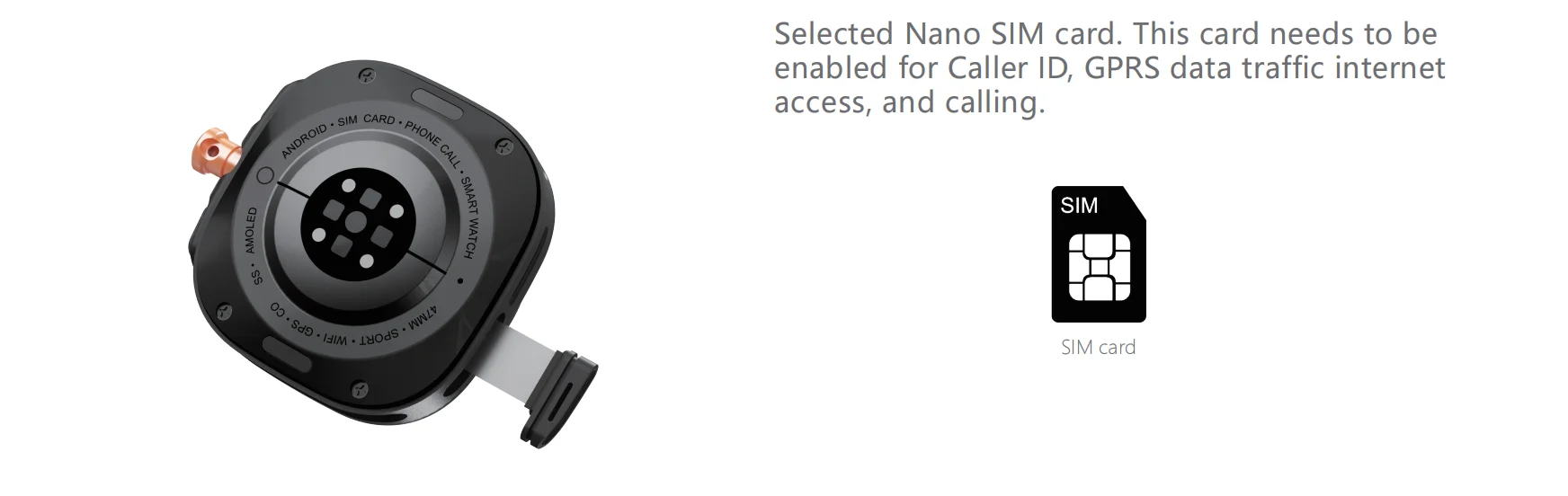
2. Install the Nano sim card:
Selected Nano SIM card. This card needs to be enabled for Caller ID, GPRS data traffic internet access, and calling.
3、Switching machine
Power on:
With the watch turned off, press and hold the On button to turn on the watch.
Shutdown:
Mode 1: Go to the Settings page, select the Shutdown option and confirm the shutdown;
Mode 2: Long press the power on button to confirm the shutdown.
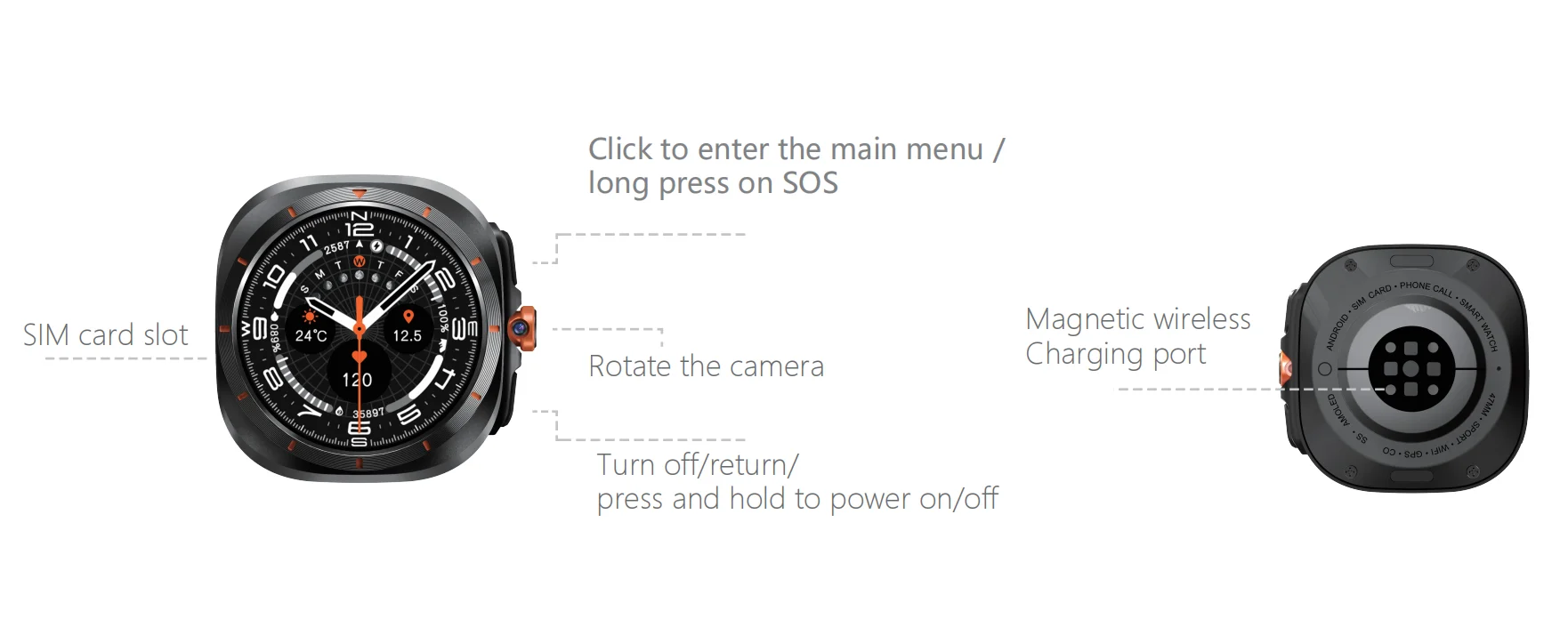
4. Introduction of watches
5、Download APP
1、Download
Scan the QR code below to download the watch app Safe Guard or Safe Guard 2 and install it;
2、Registration and Login
Follow the app's guidelines to properly register an account and log in.
3、App account binding watch
After logging into the APP, go to Bind Device, choose smartwatch for device type, enter the 10-digit registration code or scan the registration code to bind.
6. Introduction to the main functions of the watch
Support gps, base station, WIFI positioning: APP map to view real-time location.
Footprint: you can view the history track in APP.
Safe area: you can set 3 safe fences in APP, the watch will have alarm notification when it leaves the fence range in APP.
Weather forecast: the watch can automatically update local weather information, in the first level interface, slide the screen to the left to enter the weather interface.
Contacts: The watch can be set up to 100 numbers.
Dialpad: the watch can dial numbers independently, the switch setting in APP can turn on or off the function.
SOS: Set 3 emergency contact numbers. When the watch is in emergency, press and hold the SOS button (power on button) for 3 seconds, then the alarm will be activated and 3 numbers will be dialed cyclically. When no one answers, the cycle dialing ends in two rounds.
SMS reminder setting: you can control whether the watch turns on the SMS function for related alarm information (SMS is charged normally).
Reject unfamiliar calls: When the switch is on, unfamiliar numbers can not call into the watch, only directory numbers (including: SOS number, SMS alert number, family number) can call in; when the switch is off, any number can call into the watch.
Alarm clock: 3 alarms can be set in APP.
Camera: you can take photos.
Album: save the photos taken, photos can be deleted or uploaded to APP.
Microchat: click in to microchat with APP, you can send voice and picture to your cell phone.
Note: The watch can not send micro message to the cell phone app, the cell phone app can send micro message to the watch.
Video Call: Make a video call to a cell phone that has been logged in with the watch's APP account.
No-disturb time period: 4 time periods can be set, the watch blocks all calls and other sounds during the time period.
Settings: Set lock screen mode, change desktop style, volume adjustment (media volume, alarm volume, ringtone volume), brightness adjustment, volte on/off, shutdown, about device (model number, version number, IMEI);
Alipay: Alipay mobile payment, after opening this function, you will be able to realize safe and convenient cashless mobile payment through Alipay. For specific information, please scan the following QR code through Alipay APP on your cell phone.
QR Code Information: Registration Code: Display the device registration code information.
Public No.: Scan to follow the WeChat public No. APP Download: You can download the SafeGuard APP.
WIFI: Tap to enter - then right click to open WIFI - search for your own WIFI name - tap to enter Enter the correct password (Note: If you hide the WIFI, tap the upper right corner to add the network).
Bluetooth: Tap to enter - then right-click to open Bluetooth - search for the name of Bluetooth device - tap to enter the pairing can be.
Personalization: Inside there are dial, theme, wallpaper settings can be changed here.
Screen Brightness: You can adjust the screen brightness and time.
Sound Settings: You can set mute or normal sound in the scenario mode, and you can also switch the phone ringtone, message ringtone, call volume and ringtone volume. You can set your own settings according to your needs.
Password unlock: If you need to change the password after setting it, you can do it here.
Restore Settings: If there are signal problems or other problems, you can restore the settings here. You can restore the settings here.
Software Upgrade: After connecting to WIFI, you can upgrade the system software wirelessly by tapping here according to the background prompts.
Time and date: Tap into it, after loading the card, it will follow the network and update the current date and time automatically without manual operation.
Activity Tracked
other,Steps Tracker,Distance Tracker,Calorie Tracker,Activity Tracker
APP Download Available
No
App name
Wearfit pro
Application Age Group
Adult
Band Detachable
Yes
Band Material
Silica Gel
Battery Capacity(mAh)
>450mAh
Battery Detachable
No
Battery Life
700
Bluetooth-compatible Version
5.2
Case Material
ALLOY
Category
Smart Watches
Color
Black
Compatibility
All Compatible
CPU Model
ASR8601
Dial Window Material Type
Glass
Display Size
1.45
Display Type
Analog-digital
For 1
Military watch man
For 2
smart watches smartwatch man
For 3
smart watch 2025 last generation
For 4
Smart clock with calls
For 5
men's steel connected watch
For 6
brand watch copy
For 7
high-end luxury man watch
For 8
Bluetooth voice call
For 9
SIM Card Smartwatch
Function
Shock Resistant,Passometer,fitness tracker,sleep tracker,Mood Tracker,Message Reminder,Call Reminder,Answer Call,Dial Call,REMOTE CONTROL,Push Message,Altitude Meter,tourbillon,Big Three Needles,24 hour instruction,Chronograph,Alarm Clock,Small Second,Wor
GPS
Built-in GPS
Hign-concerned Chemical
None
Language
English,Russian,Spanish,POLISH,Portuguese,Turkish,Italian,FRENCH,german,Norwegian,KOREAN,japanese,UKRAINIAN,HEBREW,Dutch,Arabic,Indonesian,Greek
Launch Date
2025
Mechanism
No
Metrics measured
Heart Rate Monitor,other,Blood Oxygen Monitor,Sleep Monitor,Blood Pressure Monitor,Body Temperature Monitor,Stress Monitor
Model
HW S12 Call
Movement Type
Electronic
Multiple Dials
Yes
Network Mode
5g
Origin
Mainland China
Rear Camera
2MP
Resolution
466*466
ROM
64GB
Screen Material
AMOLED
Screen Shape
Round
SIM Card Available
Yes
System
None
Touch Screen
Yes
Voice assistant built-in
Yes
Waterproof Grade
Life Waterproof
Weight[g]
240
Wifi
No
J*****w
U*****m
Smartwatch 2025 Men's Connected SIM Card 4G 5G Smart Watch Clock Howear HW S12 Call Video APP Store AMOLED Bluetooth GPS Google
Smartwatch 2025 Men's Connected SIM Card 4G 5G Smart Watch Clock Howear HW S12 Call Video APP Store AMOLED Bluetooth GPS Google
