




A*****d
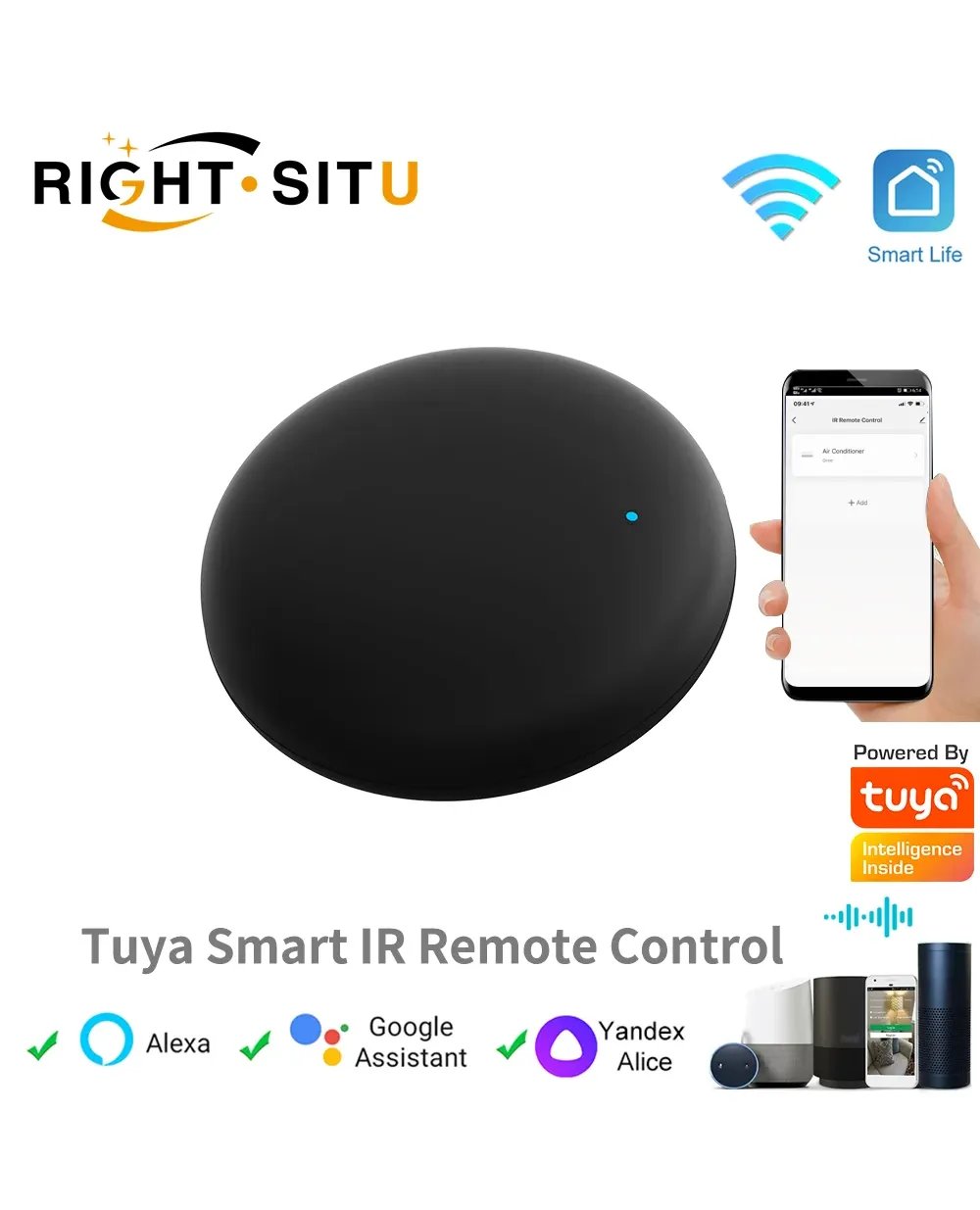
Tuya WiFi IR Remote Control Smart Universal for TV Air Conditioner Alexa Remote Control Work with Google Home Yandex Google
Скидка 54%


Войдите в учётную запись, чтобы мы могли сообщить вам об ответе


Product Features:
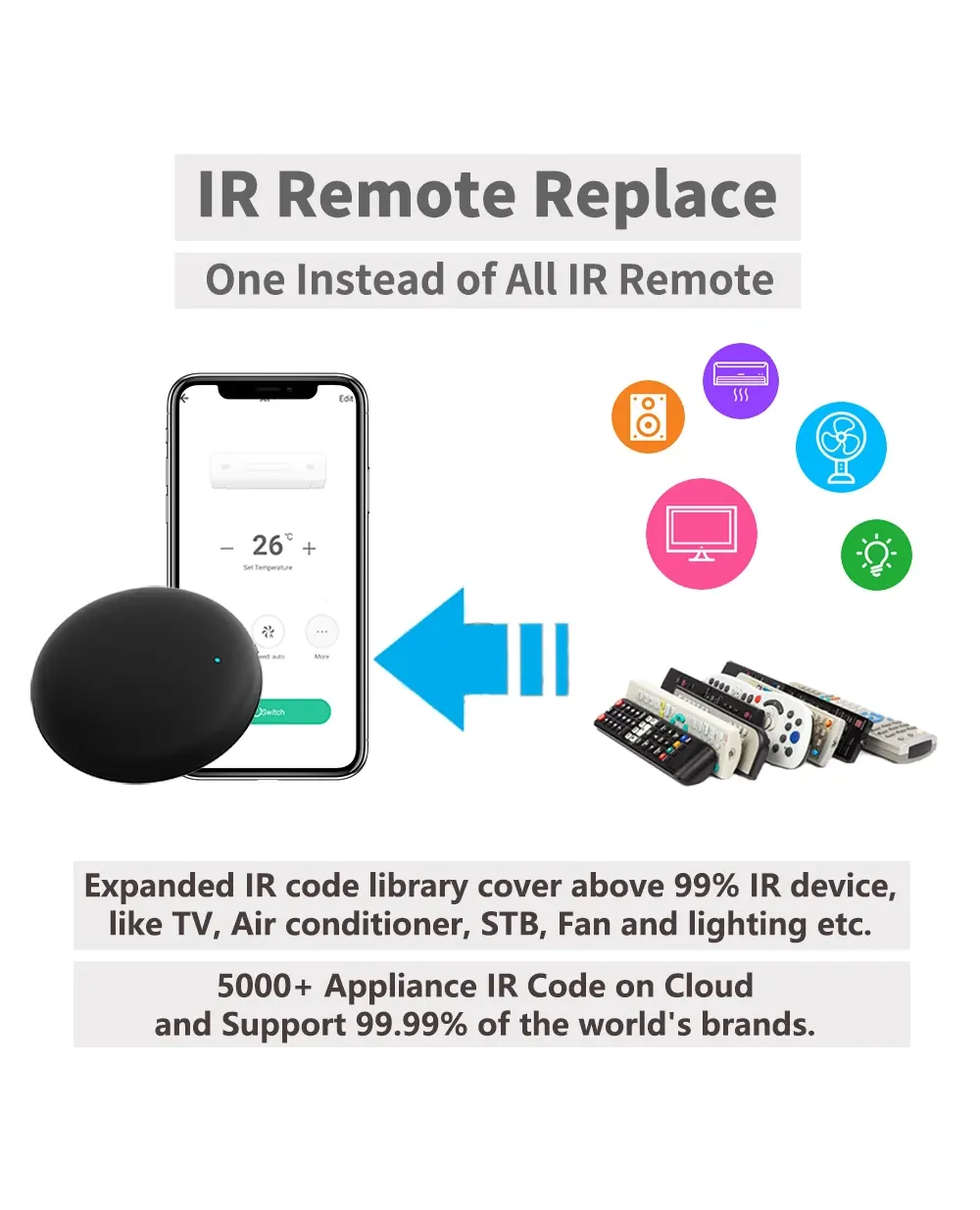
With The Smart Universal IR Remote Control, you may use your smart phone to control home appliances, such as STB(Set-Top-Box), TV Box, TV, Air Conditioner, Fan, DVD, etc. Compatible with most of brands, for details, please refer to the supported brand list in App. Besides, it has LEARNING FUNCTON, allows you to copy the key function of original remote control to App.
Note: Not compatible with the home appliances which use RF or BLUETOOTH remote control.
1. Massive IR Code Database
Support 4000+ brands, 50000+ IR Code on cloud, supported devices library is constantly being updated by the cloud.
2. App Remote Control
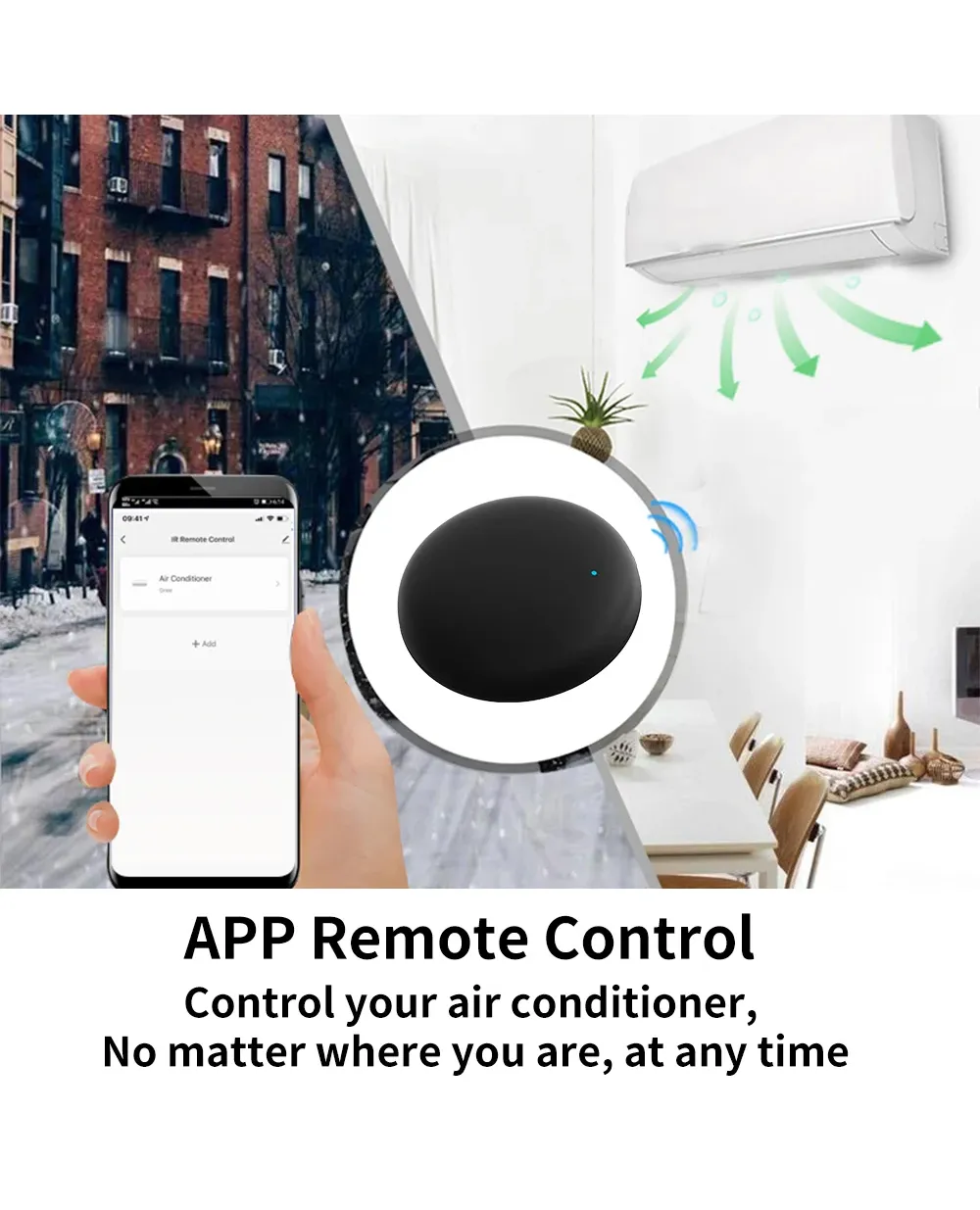
Remote Control your home appliances by using "Smart Life" App in your smart phone anywhere anytime.
For example: Switch on home A/C in advance, enjoying the comfortable temperature once you get home.
3. Easy to install and add to app
Once you plug the cable line into the device, then select the app's auto find Smart IR Remote Control. The whole process takes only a few minutes.
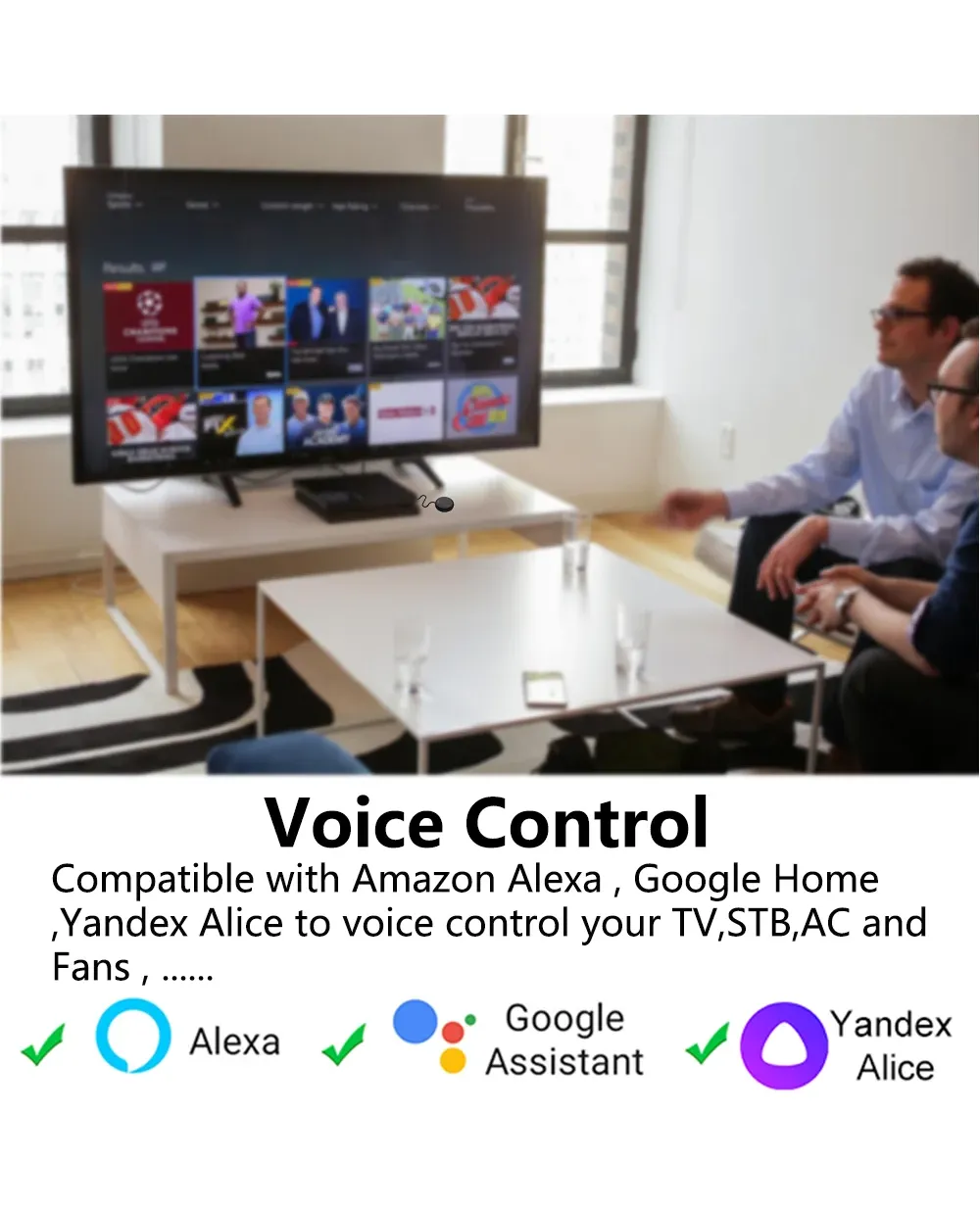
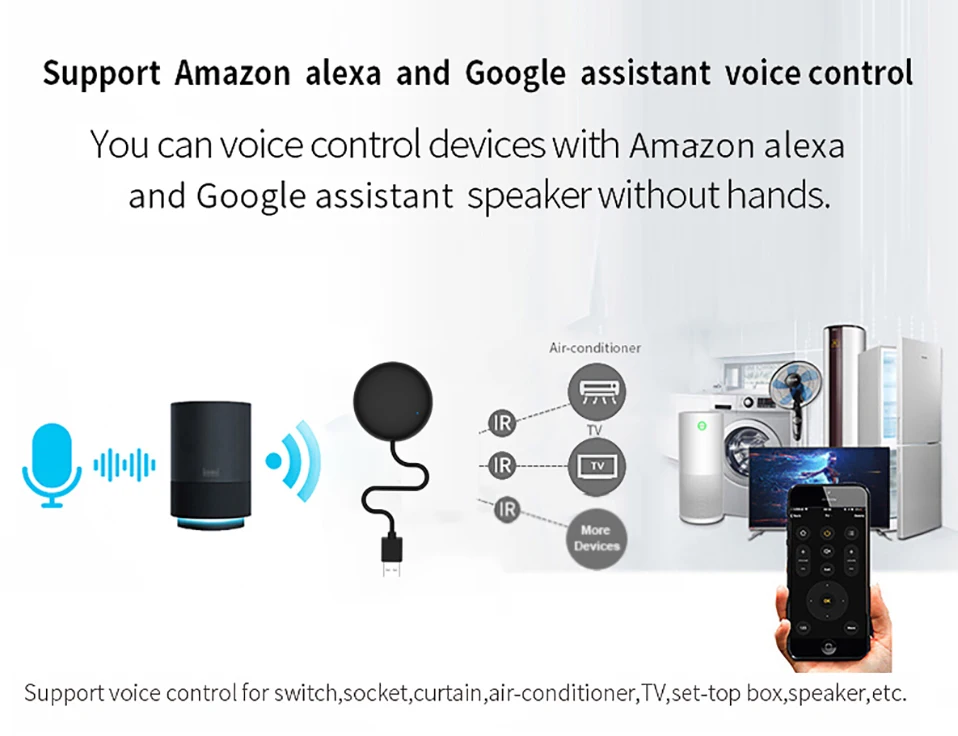
4. Voice Control
By connecting Intelligent speaker, such as Alexa, Google Home, Yandex Alice, you can control your home appliances by voice.
For example: Alexa, turn on TV; OK Google, set air conditioning temperature to 25 degrees.
5. Scenario and Automation in App
A scenario consists of 1 or more actions. By creating an "Scenario", you may control multiple devices with one tap; By adding an "Automation" and interworking with other smart home devices, Wi-Fi remote control is able to execute actions automatically according to conditions, such as device status, weather and time.
6. Timer and Automatic Trigger
According to your living habits, set time switches for your home appliances, such as turning on/off the air conditioner at regular intervals. The APP have 7 day Scheduling programming
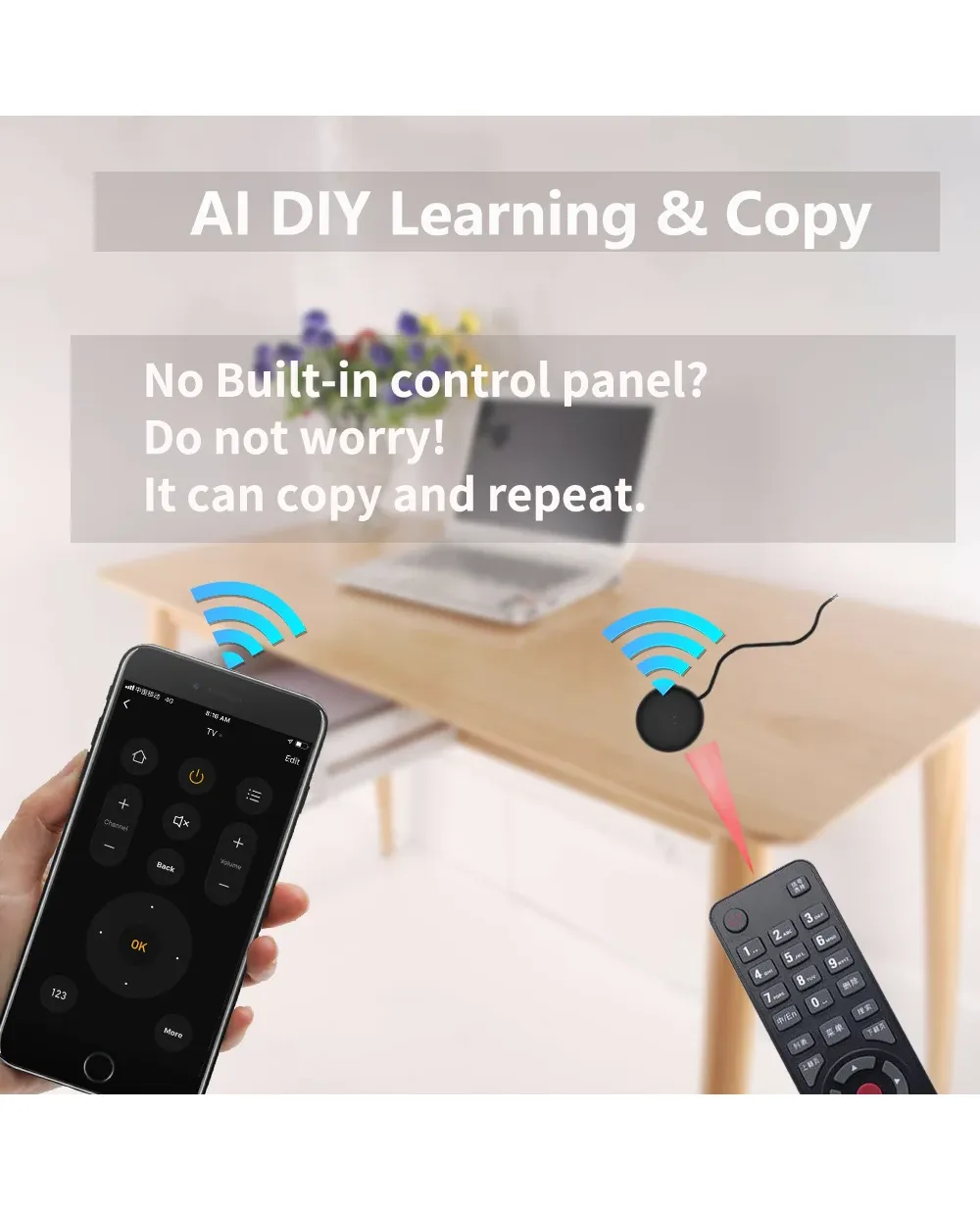
7. DIY
Customizing button and Copy function in the "Smart Life" App, if your home appliances brand is not in the list or not supported.
8. Third-Party Control
Works with Alexa, Google Assistant, Siri(iOS 12.0 or later), Tmall Genie, Tecent Xiaowei, DingDong, Rokid, DuerOS, etc.
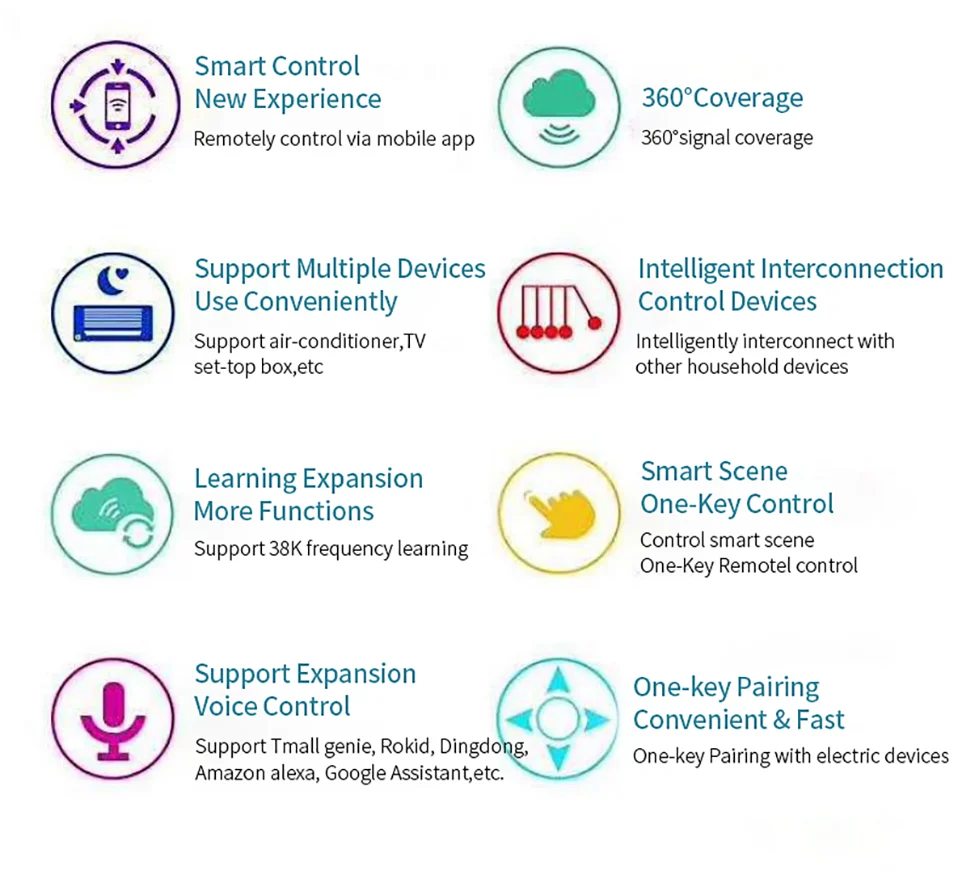
App Remote Control
After the configuration is complete, you can control the TV, air conditioner at home whether you are working or traveling.
Tips:
1. The native APP of The Smart Universal IR Remote is called "Smart Life".
2. And it not support MiHome,EWelink,and other APP.
3. Its remote control function needs to use WiFi all the time


All in One Smart Remote Control
The Smart IR Remote expanded IR code library cover above 98% IR device. So TV, Air conditioner, STB Fan and lighting etc. which used IR Control can be control by it.
You don't need to worry about the problems you can't control, and finally we provide the copy function.


Works with Alexa, Google Assistant, Yandex Alice and Siri
By link to Alexa, Google Home, Yandex Alice account, you can control your home appliances by voice.
For example:
-Alexa, turn on the TV;
-OK Google, set air conditioning temperature to 25 degrees.
-Алиса, включи свет.
NOTE: Yandex Alice Only Support Air conditioner, TV, TV BOx STB, Fan

Timer and Automatic Trigger
Never miss one second of excellent match -Stay up late for the match,but always oversleep? -The smart remote control helps you turn on TV at right time and right channel. Enjoy your match!


IR Learning And Copy Function:
Smar Lifet App provides Customizing and copy function.
If your home appliances is not in the brand list or not supported, you may use this function to copy the key function of original remote control to App

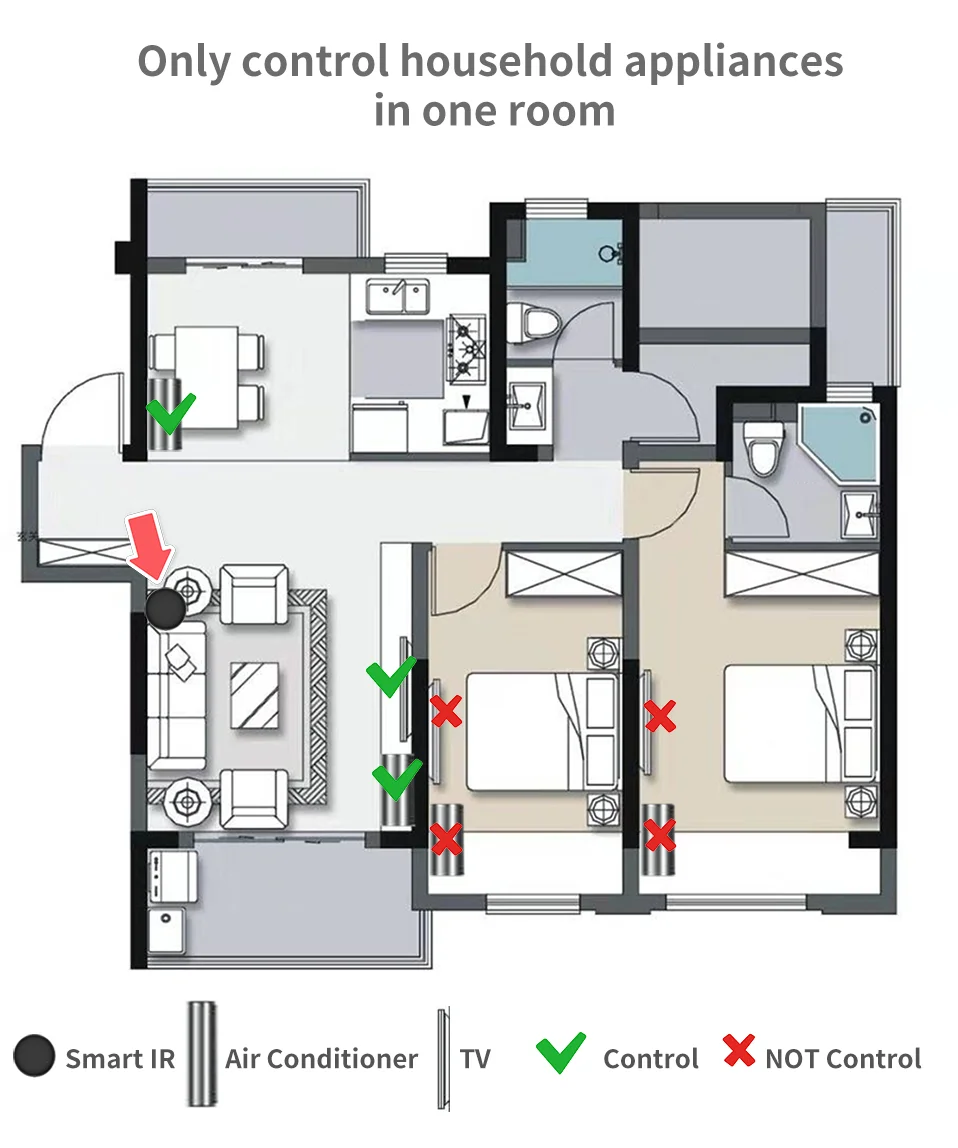
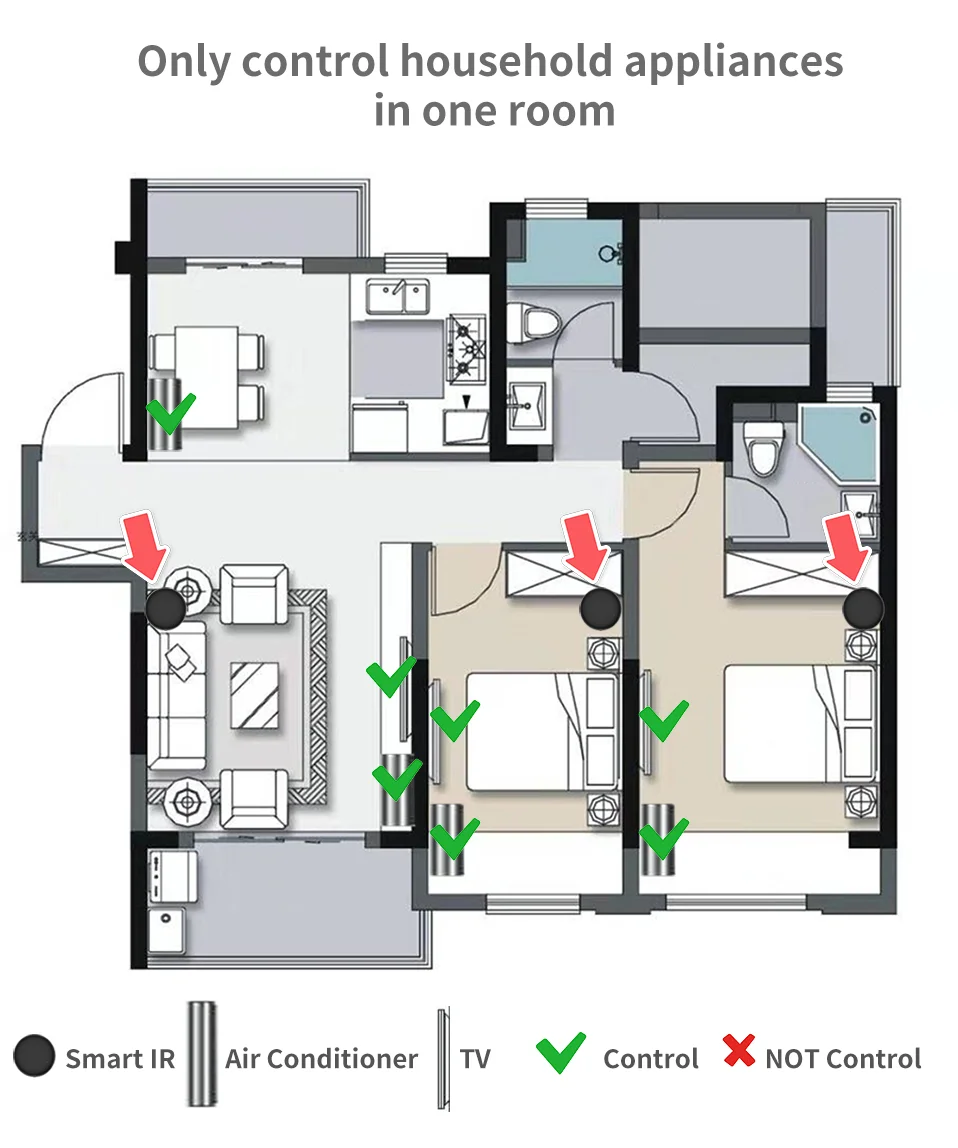
Maybe every room needs one
Infrared rays cannot penetrate the wall, so it cannot control household appliances in other rooms.
It is recommended to install a universal remote control in every room.
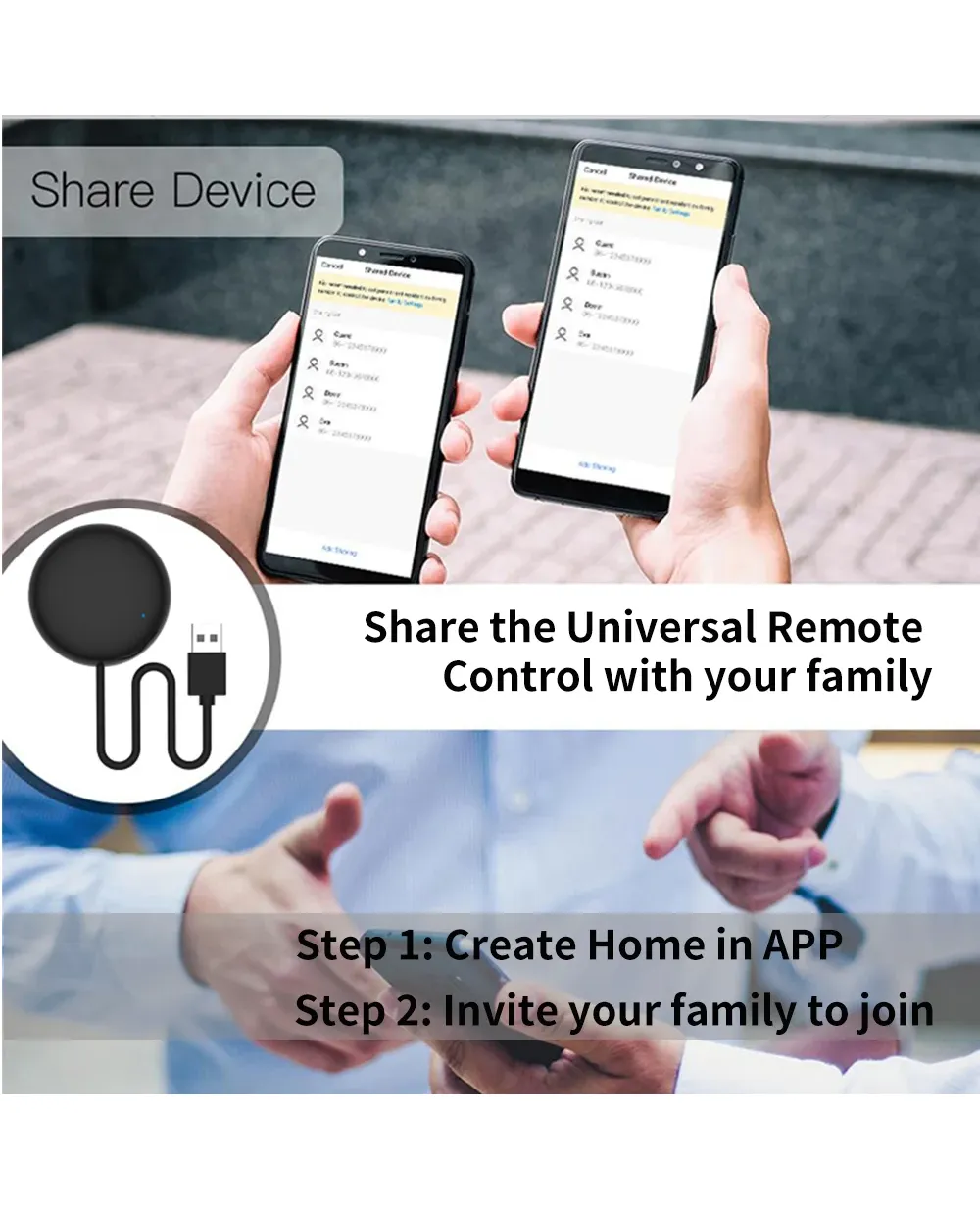
Share with your family
Var Smart Life APP, you can share it with family.
Step 1: Create Home or Improve Home Information
Step 2: Invite members to join Home
Step 3: Family members agree to join Home


Remote Control support or not support:
The Smart IR Remote supports all infrared remotes.
But note that 2.4G remotes, RF remotes, and Bluetooth remotes are not supported.
Tips:
1. The infrared remote control has an infrared emitting tube, or the infrared emitting tube is protected by a black transparent window.
2. Long press the infrared remote control to start the home appliance, the long press function is not supported, other functions are supported.


360° Petal Shape IR Emitting Lamp
Multi-directional launch, guarantee that every order will be served quickly and accurately. Every components and parts are from the top manufacturer.

Product Parameter:
* Input: DC 5V/1A(Micro USB)
* IR Remote Control Distance: ≤8m
* Connection: Wi-Fi IEEE 802.11 b/g/n 2.4GHz
* App: Smart Life
* Voice Control Support: Alexa, Google Home, Yandex Alice

What's in the package?
1. Smart Universal IR Remote Control
2. Micro Charging Cable (NO ADAPTER)
3. User Manual
How to download APP?
Open Google Play Store or App Store, the Searh "Smart Life" and Install it.
You can also scan the QR Code below to download
What is APP look like?
The APP page may be modified better

How to add Smart IR Remote to APP?
Using Bluetooth to add Smart IR Remote Control is very easy.
Give app Bluetooth operation permission, app will automatically find the device to be added

How to Add appliances(Take TV as an example)


Color
1 pcs
